
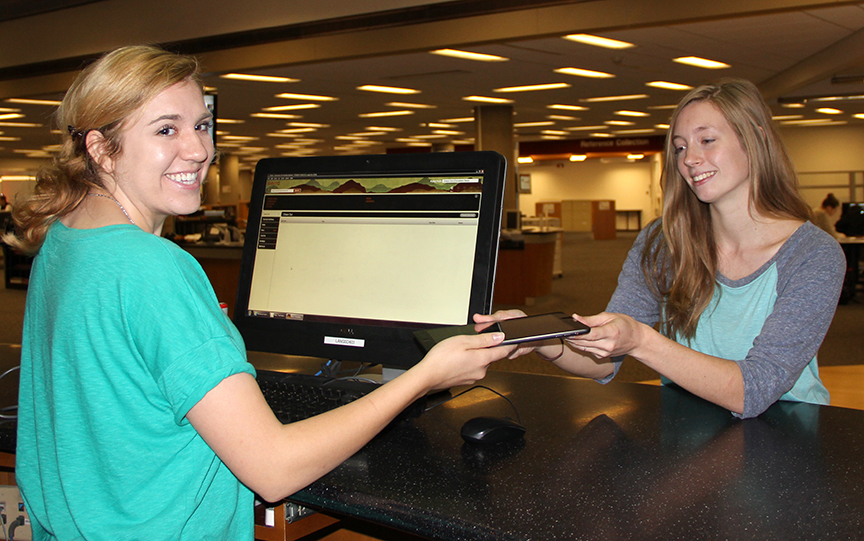
Checking out an iPad at TheDesk@Langsam
In partnership with UC Student Government, UC Libraries now has iPads available for checkout by UC students.
The Desk@Langsam has 10 iPads available for checkout. Students can call to book an iPad (513) 556-1424 or visit The Desk@Langsam on the 4th floor of the Walter C. Langsam Library to request one. Booking in advance is highly recommended to ensure availability. The iPads can be checked out for five days, with one renewal if the iPad is not requested by another user.
The iPads are 16GB and Wi-Fi enabled. An Apple ID is recommended, but not required for use. The iPads are pre-loaded with several UC and other productivity apps, including UC Mobile, Mobile Learn (Canopy) and VMware View (access to UC Virtual Lab). In addition, the iPads can be populated with personalized apps via any user Apple ID.
Visit TheDesk@Langsam today to checkout an iPad.