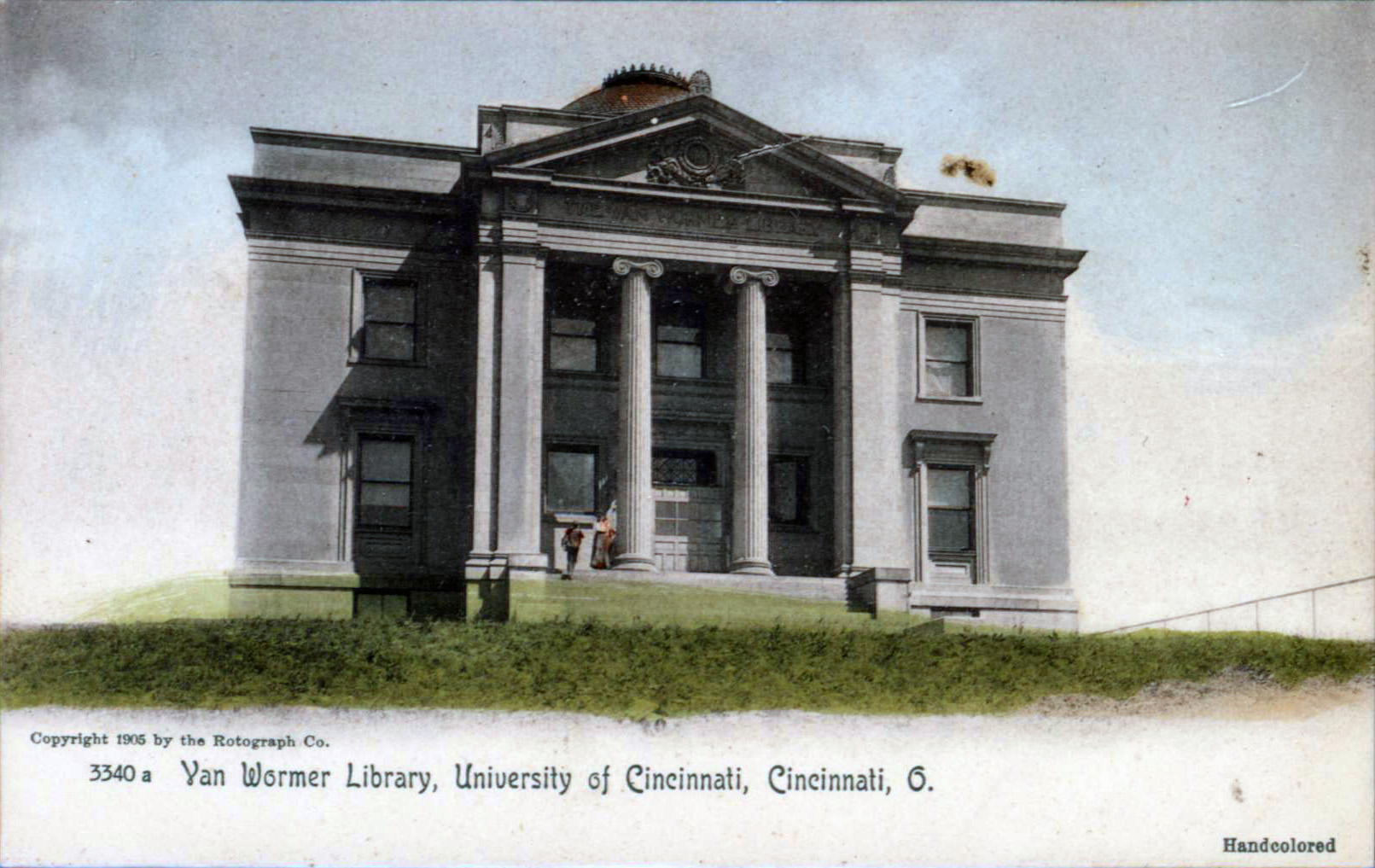
Zoom Backgrounds Make You Look Like You’re in the Library
Archival Content Notice: This post was published in 2020 and may contain outdated information. It may not reflect current UC Libraries services or accessibility standards. If you need assistance accessing this content, please contact UC Libraries.
Missing the library? Save an image of the library for your next Zoom meeting background and at least picture yourself there. To save: right click on any image, and choose Save Image As to save to your computer. Load them into your Zoom profile and then look as if you are in the library. The smell of books not included.