

On August 11, 2014, SSL VPN will be modified so that the Junos Pulse client is presented when you log into the SSL VPN.
Mobile users (iOS, Android, etc.) have used the Junos Pulse client for several years and now UC is transitioning the SSL VPN to present Junos Pulse as the default client for SSL VPN connections.
This change will primarily only affect “new” SSL VPN users, users that have the “Network Connect” client installed will still be able to connect using the “Network Connect” client.
Click here to see Junos Pulse installation and setup instructions. These instructions will also be available from the HSL Off Campus Access page.
If you have any questions or problems with setting up the Junos Pulse client, please contact UCIT Help Desk at 556-435.
(SSL VPN connectivity information provided by Bruce Burton, Director, Network and Telecommunication Services, UCIT Enterprise Shared Services.)
 Brought to you by UC Libraries,
 The HSL will offer an Introduction to Python workshop on Thursday, June 19th from 2:00 – 4:00pm in the HSL Electronic Classroom (G005G).
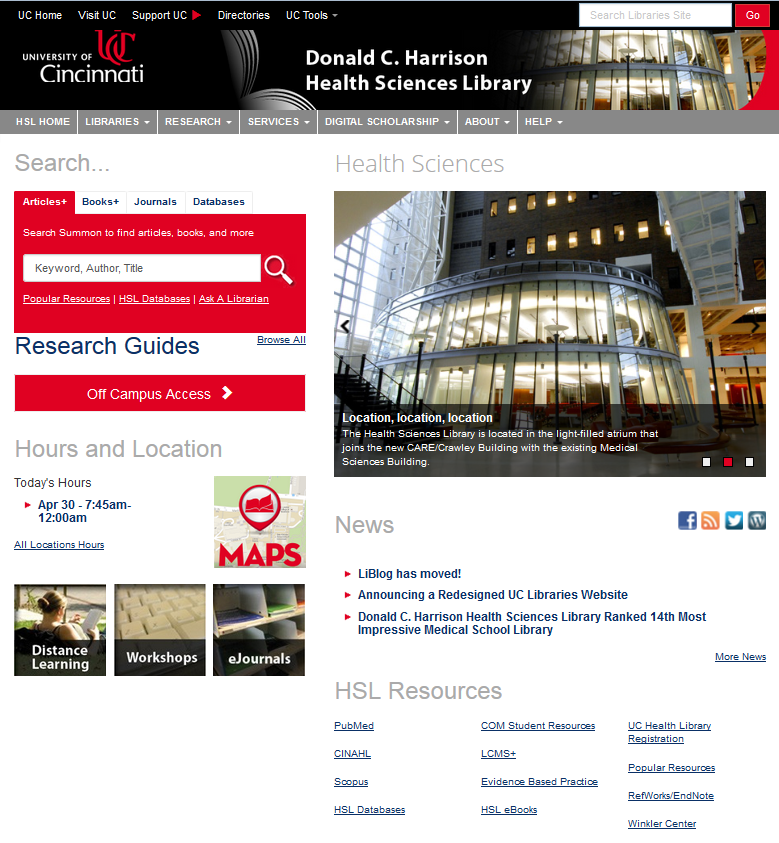
 he left-side of the redesigned Health Sciences Library website are three images that link to a new guide for
 The Donald C. Harrison Health Sciences Library was ranked 14th amongst “the 25 most impressive university medical school libraries in the world” according to
 nowledge has a new name and a new design. The
