By: Kevin Grace
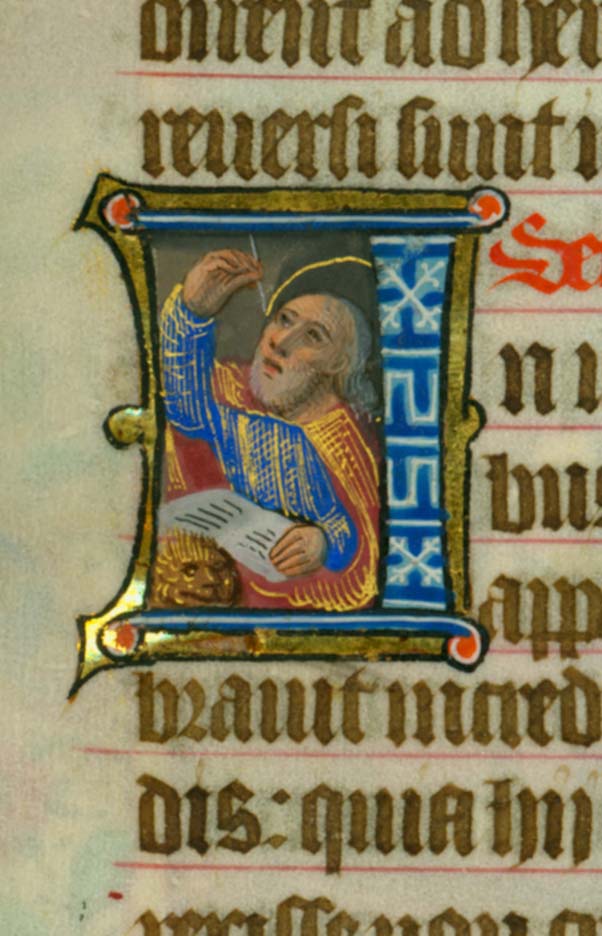
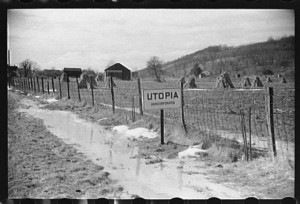 Every year the nation’s archivists celebrate October as National Archives Month as a way of promoting the use of original source material by students, scholars, and the general public. The month is also dedicated to promoting the importance of historical documents and their archival preservation. For many years now, the Society of Ohio Archivists has selected a theme to be explored and to produce a poster for distribution around the state. This year for Ohio, we have chosen the Great Depression as our theme, with programs and exhibits having that event as a focus. To see the photos the committee considered for the 2014 poster, please use this link: http://www.ohioarchivists.org/archives-month-in-ohio-2014-ohio-in-the-depression/.
George Bain, the chair of SOA’s Archives Month Committee, has shared this flickr exhibit of Archives Month posters, including Ohio’s: https://www.flickr.com/photos/councilofstatearchivists/page1/.
To learn more about the holdings of the Archives & Rare Books Library, including our work with the Society of Ohio Archivists, please contact us at 513.55.1959 or by email at archives@ucmail.uc.edu. To learn more about our collections, please visit our website at: http://www.libraries.uc.edu/arb.html.
 Two new sets of science education videos are now available in JoVE, a peer-reviewed video journal. Now you can access these two new sections:
![IMG_1051[3]](https://libapps.libraries.uc.edu/liblog/wp-content/uploads/2014/10/IMG_10513-267x190.jpg)
![IMG_1053[1]](https://libapps.libraries.uc.edu/liblog/wp-content/uploads/2014/10/IMG_10531-300x177.jpg)